
About This Mod
Kiddion's Modest Menu is one of the most widely-used free mod menus for GTA Online. Created by a developer known as Kiddion, it earned its name from a deliberately plain, no-frills interface — a small grey window without the flashy visuals that paid menus show off. What it lacks in looks, it makes up for in features.
Unlike menus that inject files into your game folder, Modest Menu is external — it runs as a separate program alongside GTA 5 and is navigated with the arrow keys. That simplicity, plus the fact it costs nothing, is what made it a go-to free option for GTA Online players.
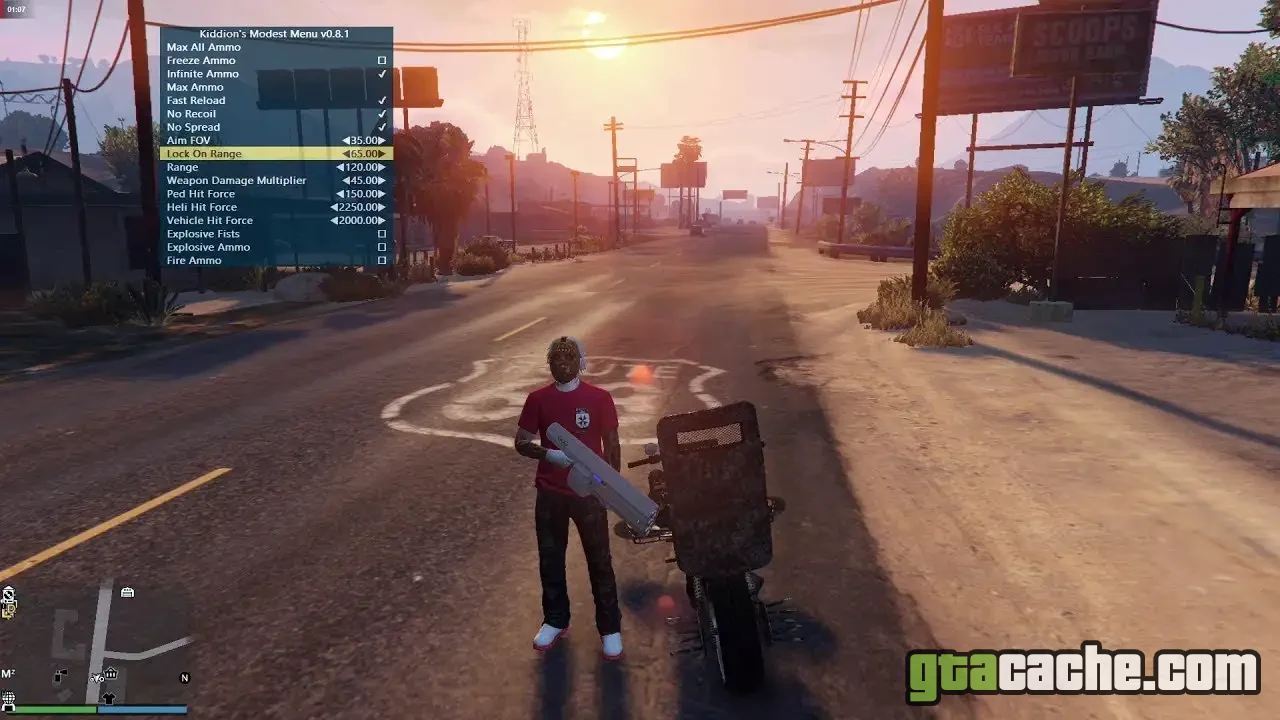
Features
- Money and recovery tools, including casino and stat options
- Spawn any vehicle, with customisation and saved vehicle slots
- Teleports — to waypoints, interiors, other players and saved spots
- Self options — god mode, invisibility, off-radar and more
- Online and session tools — join, host or manage GTA Online sessions
- Protection options against griefers, crashes and kicks
- Weapon, outfit and player-cosmetic editors
- Lua scripting support for adding community-made custom scripts
Heads up: Kiddion's Modest Menu is built for GTA Online, and Rockstar actively bans accounts caught using mod menus — external ones included. Only use it if you accept that risk, ideally never on an account you care about. Note too that Kiddion has stepped back from active development, so the menu can lag behind the latest GTA Online updates.
Requirements
- A PC copy of GTA 5 / GTA Online (Steam, Epic or Rockstar).
- Windows — the menu is a standalone Windows program.
- No Script Hook V, OpenIV or game-folder edits — it is a fully external tool.
- A folder to extract the menu into, anywhere outside the game directory.
How to Install
- Download the Kiddion's Modest Menu archive from a trusted source.
- Extract it to any folder — not your GTA 5 install directory.
- Launch GTA 5 and load into GTA Online.
- Run Kiddion.exe — the menu opens in its own window alongside the game.
- Use the arrow / numpad keys to navigate the menu and toggle options.
Ready to roll out?
Free download · 44.8 MB · Both