
What You'll Need
- Rank 1 or higher
- Cash at least $1,000,000
- Internet Access in-game
- Vehicle for travel (recommended)
Step-by-Step Walkthrough
Register as a CEO
To buy a CEO office, you must first register as a CEO. Open the Interaction Menu by pressing the designated button (M on PC, touchpad on PS4/PS5, or view button on Xbox). Select 'Secure Serve' and then 'Register as a CEO.' This will allow you to purchase an office and manage your business.
Once registered, you will receive a notification confirming your new status as CEO.
Pro tip: Make sure you have enough cash before proceeding to purchase an office.
Access the Dynasty 8 Executive website
Open your in-game phone and navigate to the internet. Select the 'Dynasty 8 Executive' website from the list of options. This is where you can browse and purchase CEO offices available in Los Santos.
You will see several office locations, each with different price points and features. Consider the location and price before making a decision.
Pro tip: Choose a location that is convenient for accessing other businesses or heists.
Select and purchase your office
Once you have decided on an office, click on it to view more details. You will see the purchase price and additional features such as customizations. Click 'Purchase' to buy the office. Your funds will be deducted immediately, so ensure you have enough cash.
After purchasing, the office will be available for you to access anytime through the map.
Pro tip: You can always upgrade or change your office later, so pick one that suits your current budget.
Customize your office
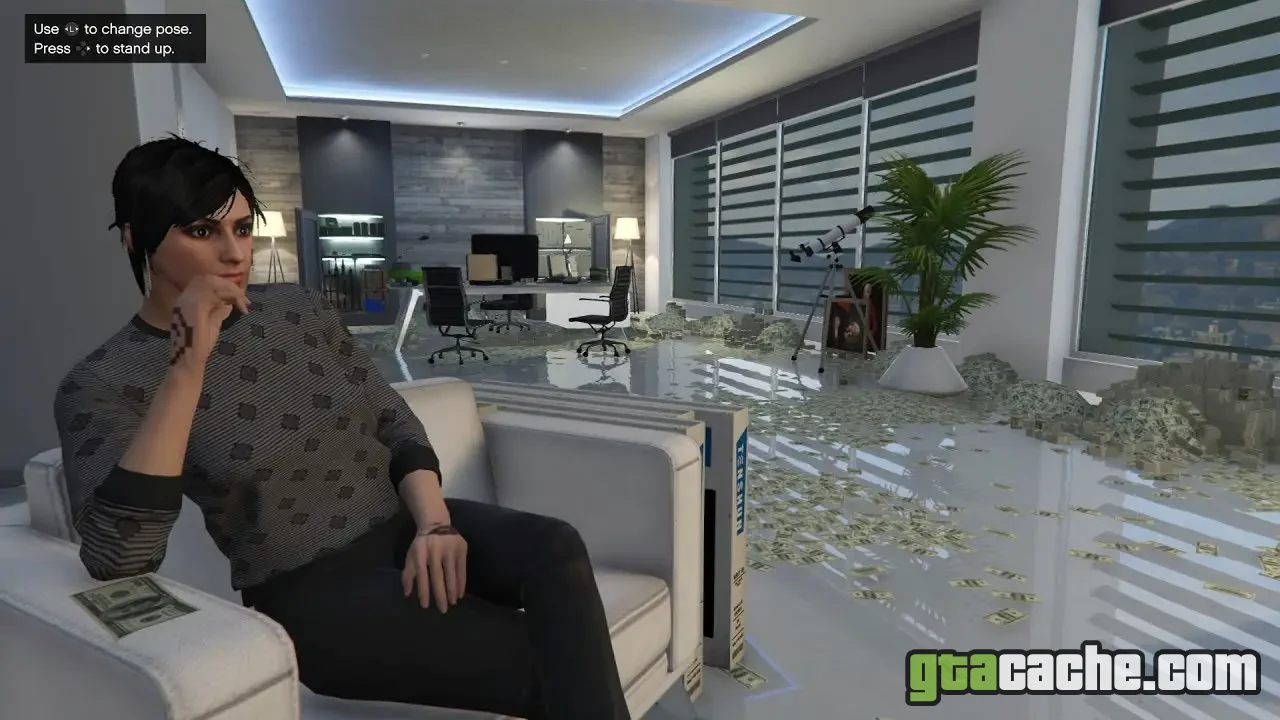
After purchasing your office, you can customize it to make it your own. Head inside and use the computer to access the customization options. You can change furniture, artwork, and other aesthetic elements to create a business environment that reflects your style.
Customization is optional but can enhance your workspace and make it more enjoyable.
Pro tip: Some customizations may cost extra, so plan your budget accordingly.
Get to work
With your CEO office purchased and customized, it’s time to start running your business! Use the computer in your office to access various missions, manage your organization, and start making money through various business ventures and heists.
Engage with other players to expand your business operations and earn more profit.
Pro tip: Connect with other players to form a strong crew and maximize your business potential.
Tips & Tricks
- Always keep an eye on your bank balance before purchasing an office.
- Consider the location of your office relative to other businesses you own.
- Use your CEO office to access additional missions for more profits.
- Coordinate with friends to undertake high-paying jobs together.
Why Buy a CEO Office?
Owning a CEO office in GTA Online is essential for players looking to expand their business ventures. It allows you to manage organizations, undertake missions, and make substantial profits. Additionally, owning an office unlocks exclusive features like vehicle cargos and special missions that can significantly boost your income.
Furthermore, it serves as a hub for your operations, making it easier to coordinate with other players and manage your business efficiently.
Common Misconceptions
Many players think they need to be a high rank to buy a CEO office, but you can purchase one as soon as you hit rank 1. Additionally, some believe that the office has to be located in a specific area to be effective; however, the choice of location can depend on personal preference and strategy.