
What You'll Need
- Twitch Prime account (active membership)
- Rockstar Social Club account (registered)
- GTA 5 installed on PC, PS4, or Xbox One
Step-by-Step Walkthrough
Link Your Accounts
Visit the official Twitch Prime website and log in with your Twitch account. Once logged in, navigate to the 'Games' section and find GTA 5. Click on the link to connect your Rockstar Social Club account. You will need to sign in to your Rockstar account to complete this step.
Pro tip: Make sure both accounts are active and correctly linked to avoid any issues.
Claim Your Rewards
After linking your accounts, go to the GTA 5 rewards section on the Twitch Prime site. Here, you can see the latest rewards available for claim. Click on the 'Claim Now' button next to the rewards you want, and they will be automatically added to your Rockstar Social Club account.
Pro tip: Check the rewards regularly, as new items are added frequently!
Launch GTA 5
Open GTA 5 and ensure you're logged into your Rockstar Social Club account in-game. Once in the game, navigate to the in-game market or your personal vehicle garage to see the items you have claimed. They should be available for use immediately!
Pro tip: If you don't see your rewards, try restarting the game.
Enjoy Your Rewards
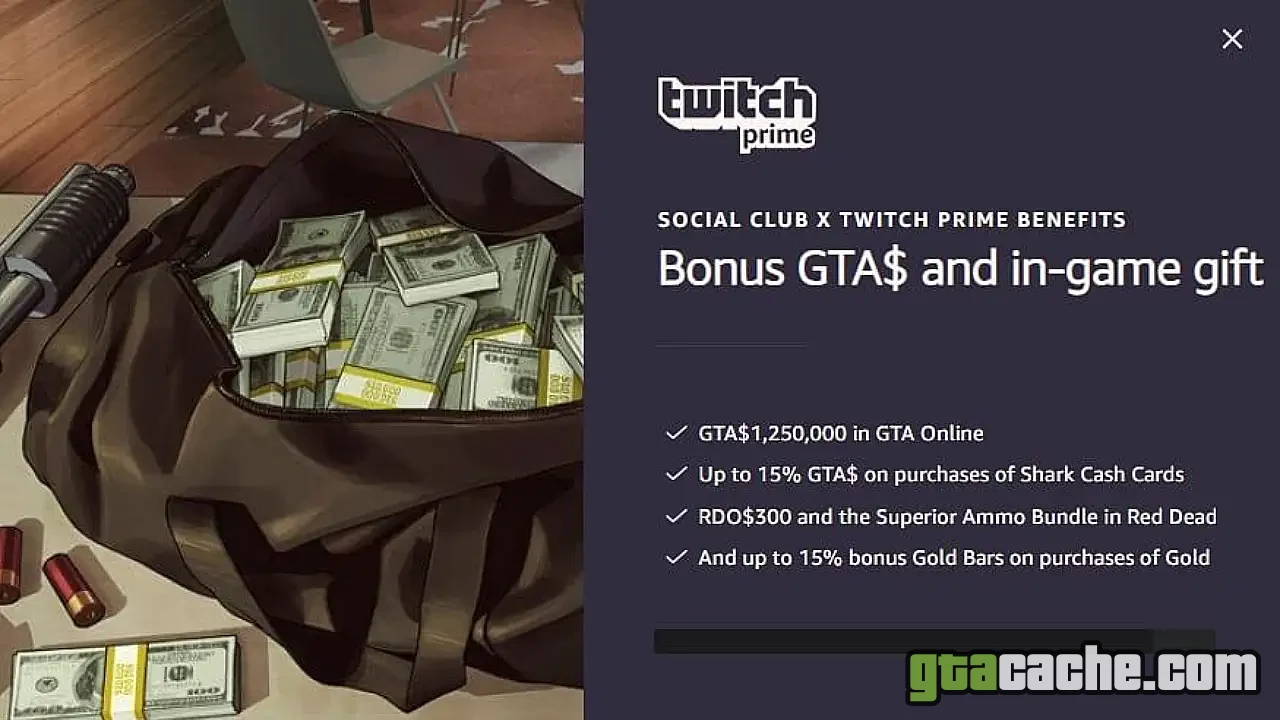
Now that you have claimed your Twitch Prime rewards, enjoy the exclusive in-game items such as outfits, vehicles, and cash bonuses! These rewards can significantly enhance your gameplay experience.
Pro tip: Consider using your new items strategically to maximize your GTA Online experience.
Tips & Tricks
- Keep your Twitch Prime account active for continuous rewards.
- Check the Twitch Prime site monthly for new offers.
- Link your accounts before claiming rewards to streamline the process.
- Monitor your in-game notifications for updates on reward availability.
What Are Twitch Prime Rewards?
Twitch Prime rewards are exclusive in-game items and bonuses available to Twitch Prime members. These rewards can include cash bonuses, special vehicles, and unique outfits tailored for GTA 5 players. They are a great way to enhance your gaming experience without additional cost.
Common Issues
If you encounter problems claiming your rewards, ensure that both your Twitch and Rockstar Social Club accounts are properly linked. Also, check your email for any notifications regarding your rewards. In case of persistent issues, contacting Twitch or Rockstar support can help resolve account-related problems.